Timeframe display is changing when something has changed in the settings
Issue: On a multiple chart layout, the timeframe display keeps changing in all charts when I change something in chart settings.
Reproduce:
Change chart layout to multiple, in my case its 4 chart layout.
Change timeframe for each layout. ex: 1H, 15m, 5m, 1m
Open Chart settings and change whatever then click Apply to All.
Expected Result: Timeframe display on each chart should not change
Actual Result: Timeframe display changed.
Before:
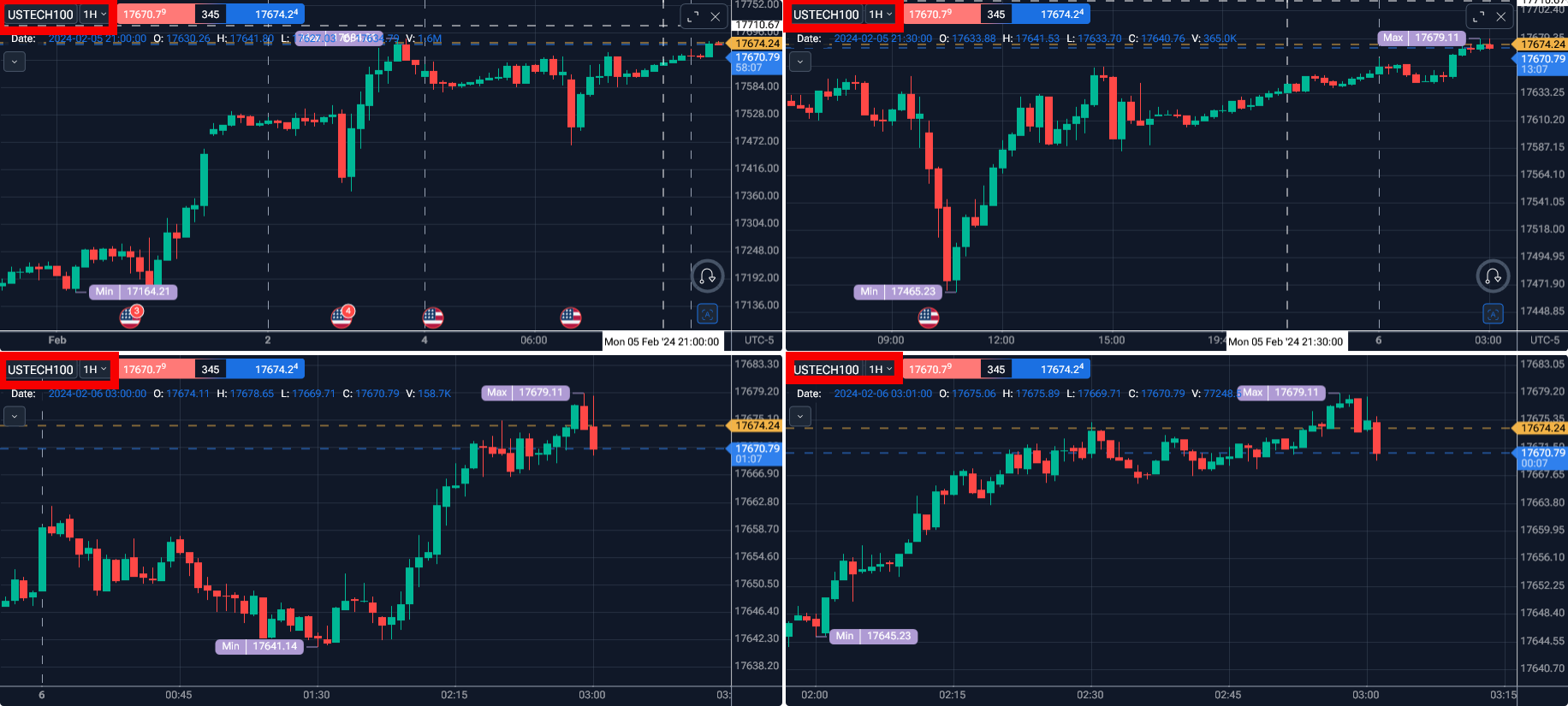
After:
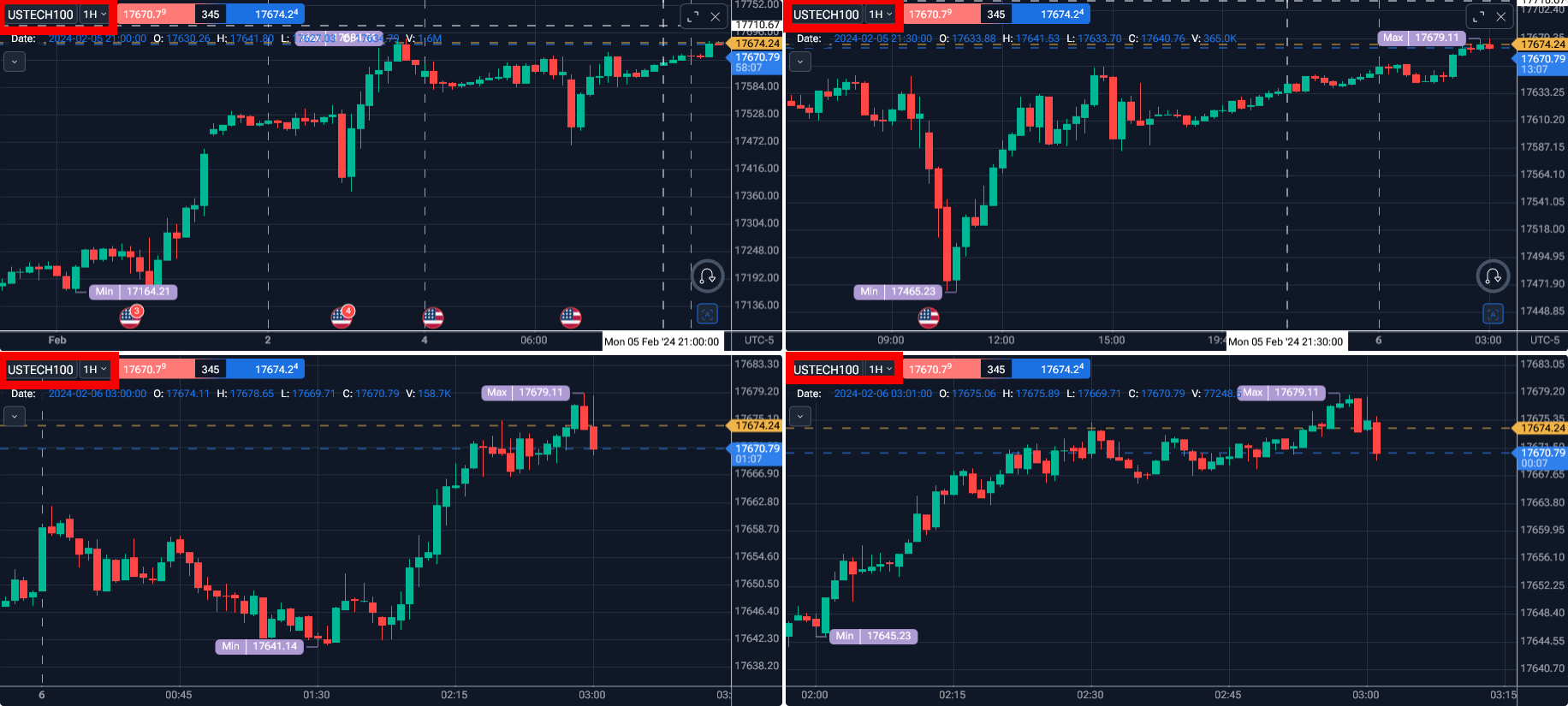
- How does this impact your experience?
Comments1
Serhii S.
Apr 30
Hello,
Thank you for the detailed description of the issue and the reproduction steps.
We appreciate you taking the time to document it so clearly.
I’ve already asked our developers to investigate this issue.
Thank you for reporting it.