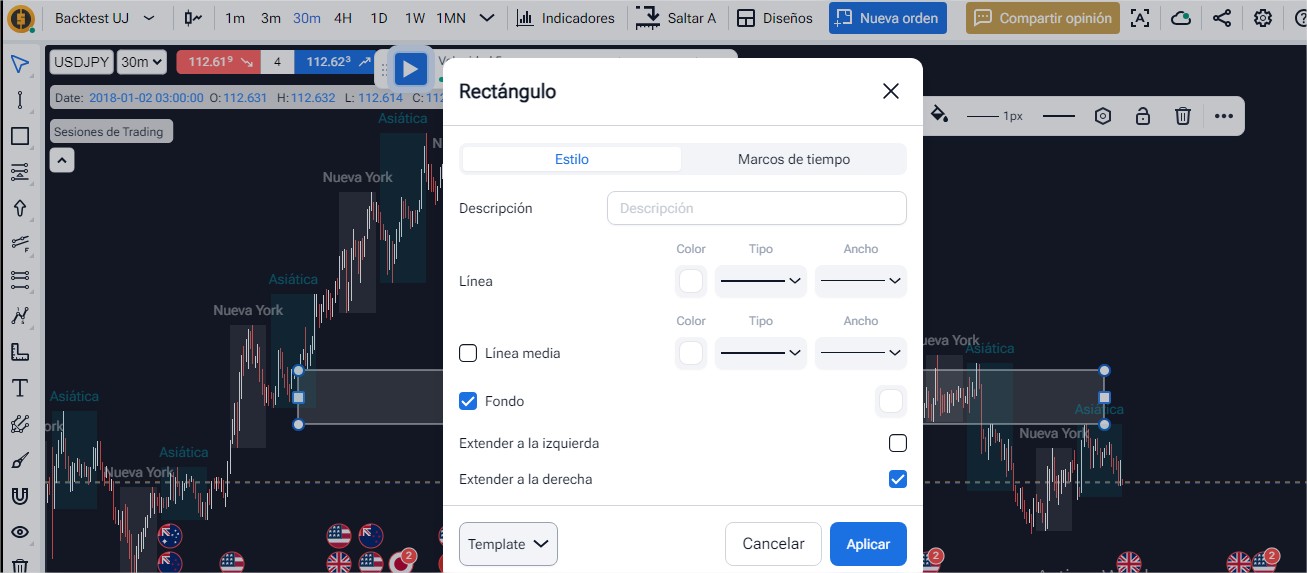
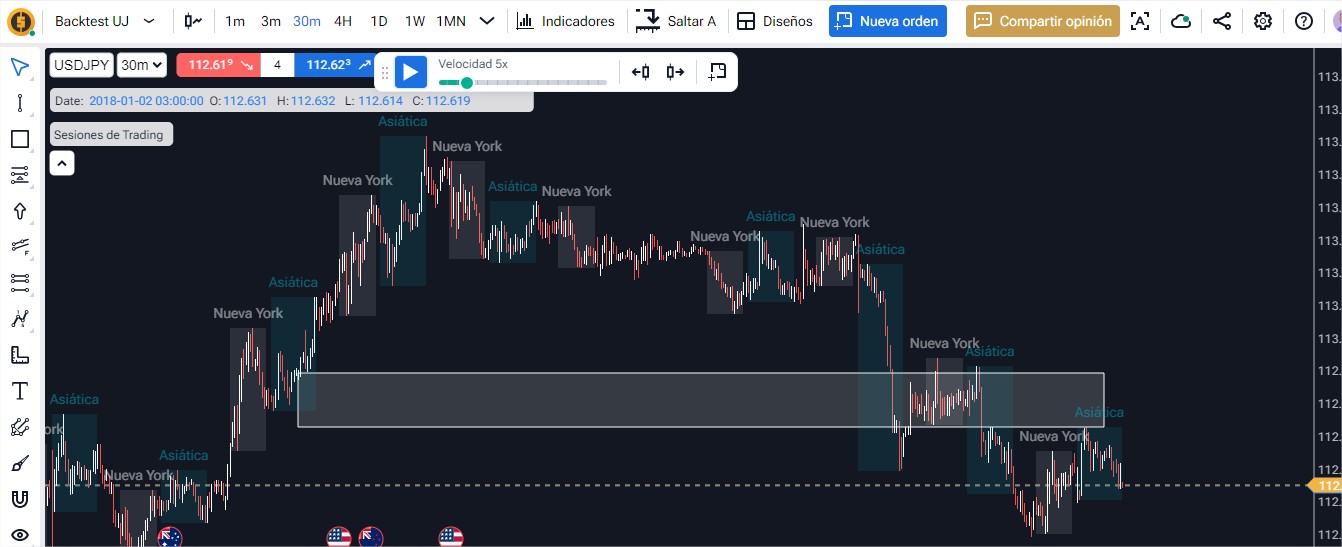
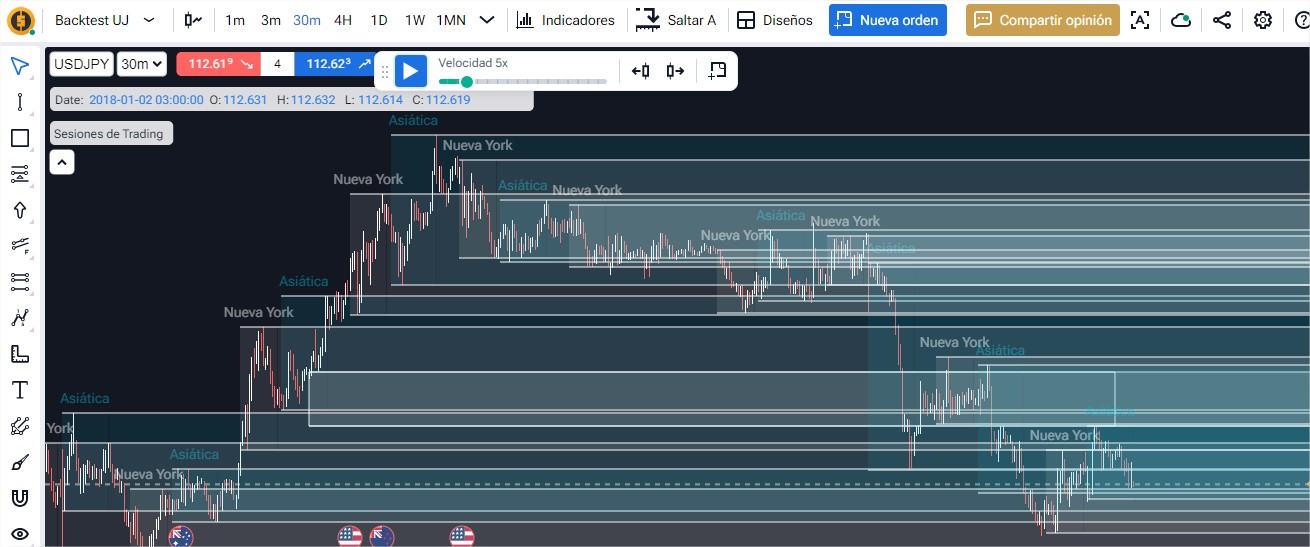
Session indicator🐞Bug ReportsDec 2, 2024The indicator shows a series of continuous lines that are placed on top of each other, which are activated by selecting the “extend right” or “extend left” option of the rectangle tool, which spoils the chart.Posted by Alexander Aristizabal · Dec 2, 2024Status: Completed1 comment1
Comments1
Oleksii (Support)
Dec 2, 2024
Hello @User
Please try to clear the cache in your browser.
If it doesn't help, please send us a screenshot of your console panel and a link to your project.