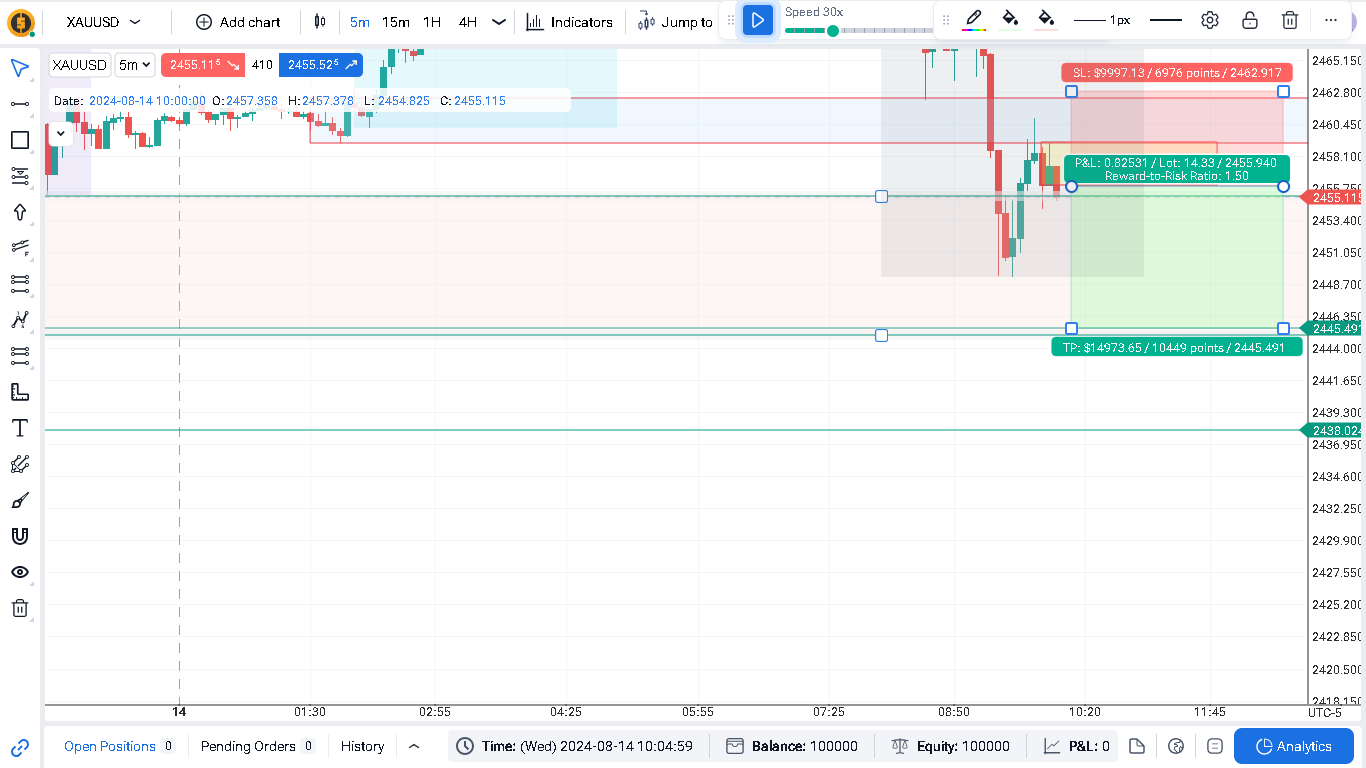
There’s no precision when you select an object. In trading view, it is easy to select in this case the sell box and drag it, even with object around it; but, here in FTO select the sell box is difficult.
To apply precision to a particular object on the chart, even if there are multiple objects overlapping each other, first click on the object to select it. Once selected, it will be targeted, making it easier to change its settings. This works well with RR tool especially.
zen
•
Oct 11, 2024
Same issue for any object in FTO. It is very hard to select any object, we must be very precise. In trading view works smoothly.
Comments2
Andrii [Support]
Oct 7, 2024
Hello @User !
Thanks for your feedback.
To apply precision to a particular object on the chart, even if there are multiple objects overlapping each other, first click on the object to select it. Once selected, it will be targeted, making it easier to change its settings. This works well with RR tool especially.
zen
Oct 11, 2024
Same issue for any object in FTO. It is very hard to select any object, we must be very precise. In trading view works smoothly.