Option to Hide/Remove Level Numbers on the Left-Hand Side
Add a customisation setting or toggle to hide the sequence numbers (0, 1, 2, 3, 4, 5) displayed on the left-hand side of the Fibonacci/risk tool.
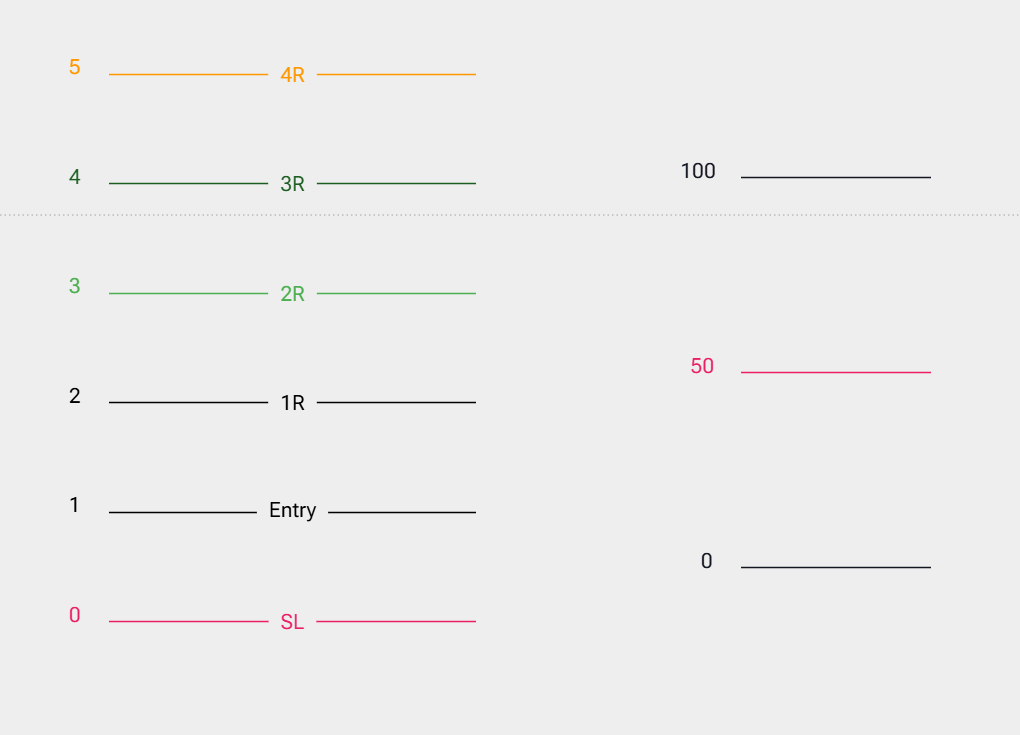
Currently, the tool forces level numbers to appear on the left, which can clutter the chart view—especially when custom labels like "Entry", "SL", and risk multiples ("1R", "2R", "3R", etc.) are already in use. Having both numbers and labels visible at the same time creates unnecessary visual noise and redundancy.
- How does this impact your experience?
Comments1
Andriy Cherniyenko
Oct 11
Hello @Remigijus Vainauskas . Thank you for the suggestions, I will transfer them to our developers and ask them to consider adding this functionality in the next versions of the app. Please let us know if you need any further assistance.
Linked to Option to Hide Fib levels text and font sizes.