modify project date
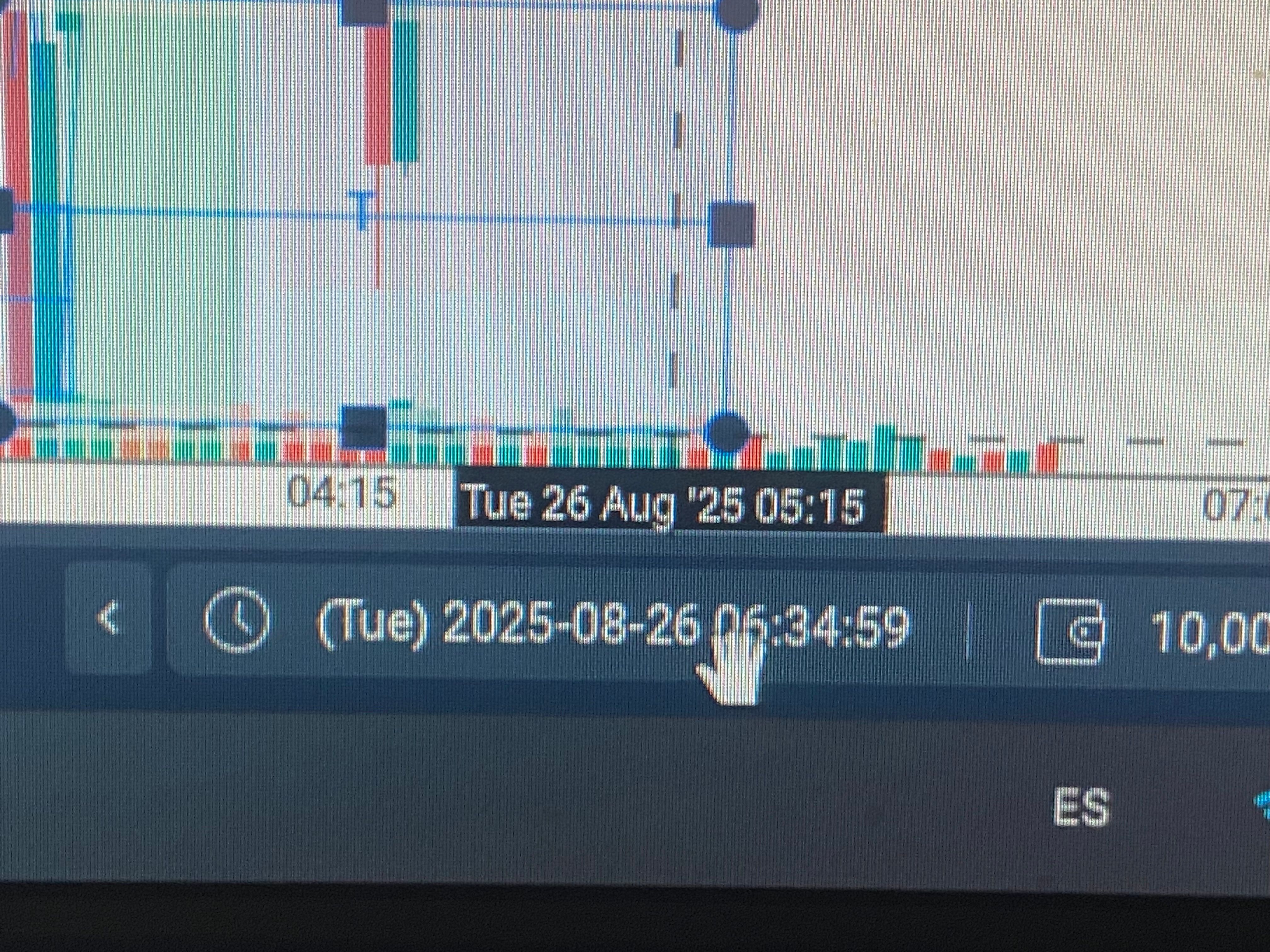
Hi, this week I started testing the app. When I create a project with the date, I see that if I want to change the date on the screen, it won't let me. I've attached a photo showing where I'd like to change the date.
- How does this impact your experience?
Comments1
Apr 5
PinnedHi @Miguel Jaimes ,
Thanks for reaching out and for sharing the screenshot.
It's not possible to change the project's start date after it has been created. However, if you want to move to a different date within your project's range, you can use the "Go to" option. This will let you specify the exact date and time you want to jump to.
Thank you.