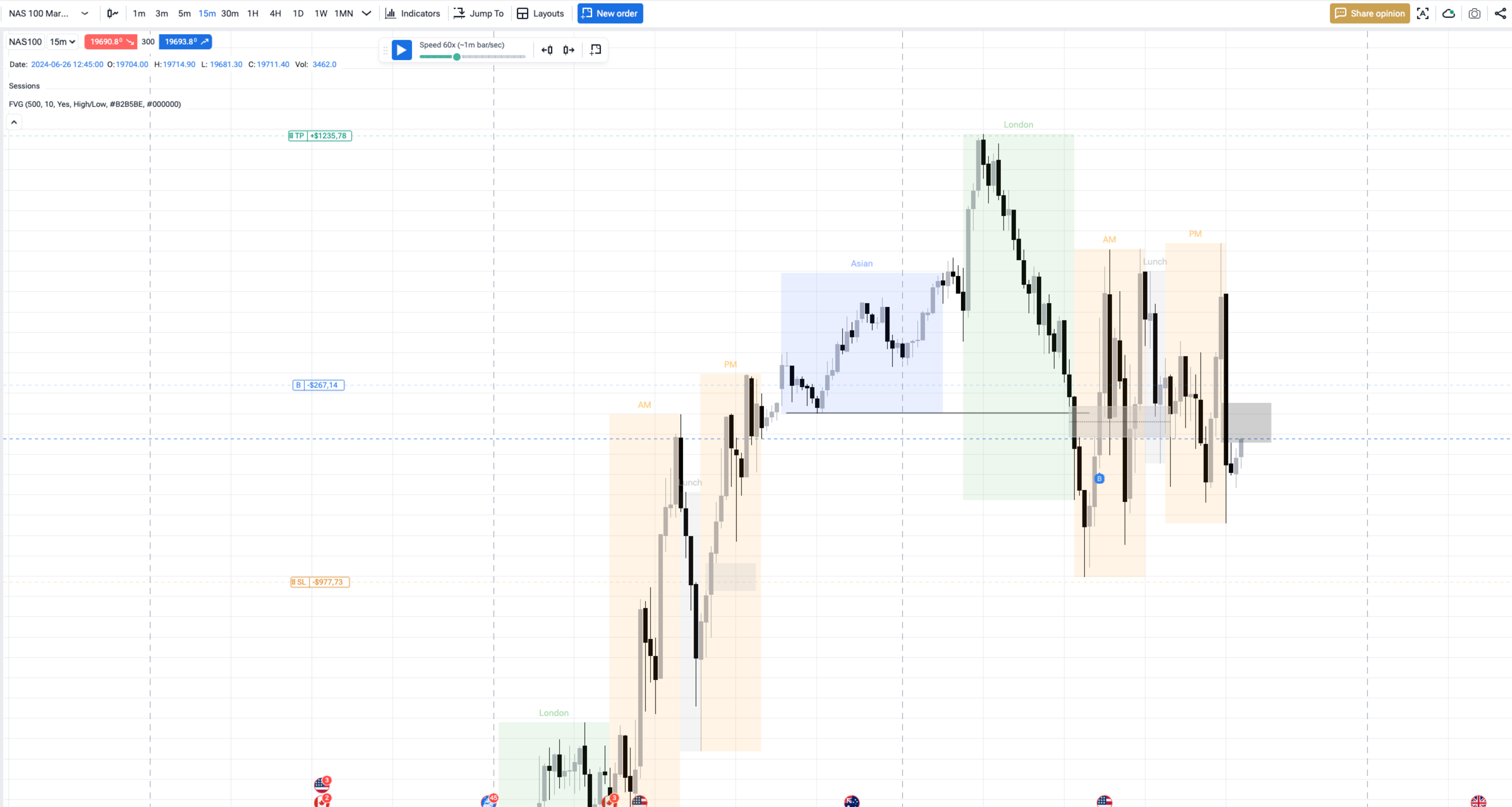
I don't know why it's stuck here but if this keeps happening to me I can't tell anyone else they should get this program I paid for the lifetime I don't regret it I'm just This is sad
Serhii S.
Team•
May 25
Hi @Peter Higbie Thank you for your honest feedback — I understand your frustration, especially when it interrupts your workflow.
These kinds of issues can occasionally happen due to temporary data inconsistencies or state-related problems in the system. Our development team continuously works on fixing such cases, both through automated improvements and manual patches when needed.
In the past, these situations occurred more frequently, but they have become significantly rarer over time as the platform has matured.
If you encounter this again, please let us know immediately — we will investigate and fix it as quickly as possible.
Serhii S.
Team•
Jan 30, 2025
Hi @User! Thank you for the screenshot. Please clear the cache and data on the Forex Tester Online page. Here’s how to do it in Chrome:
Open the FTO website in Chrome.
Click the lock icon in the address bar (to the left of the URL).
Select Site settings from the dropdown menu.
Scroll down and click Clear data (or Usage field - Delete data button).
Comments3
Peter Higbie
May 24
I don't know why it's stuck here but if this keeps happening to me I can't tell anyone else they should get this program I paid for the lifetime I don't regret it I'm just This is sad
Serhii S.
May 25
Hi @Peter Higbie
Thank you for your honest feedback — I understand your frustration, especially when it interrupts your workflow.
These kinds of issues can occasionally happen due to temporary data inconsistencies or state-related problems in the system. Our development team continuously works on fixing such cases, both through automated improvements and manual patches when needed.
In the past, these situations occurred more frequently, but they have become significantly rarer over time as the platform has matured.
If you encounter this again, please let us know immediately — we will investigate and fix it as quickly as possible.
Serhii S.
Jan 30, 2025
Hi @User! Thank you for the screenshot. Please clear the cache and data on the Forex Tester Online page.
Here’s how to do it in Chrome:
Open the FTO website in Chrome.
Click the lock icon in the address bar (to the left of the URL).
Select Site settings from the dropdown menu.
Scroll down and click Clear data (or Usage field - Delete data button).
Reload the page.
Does it help?