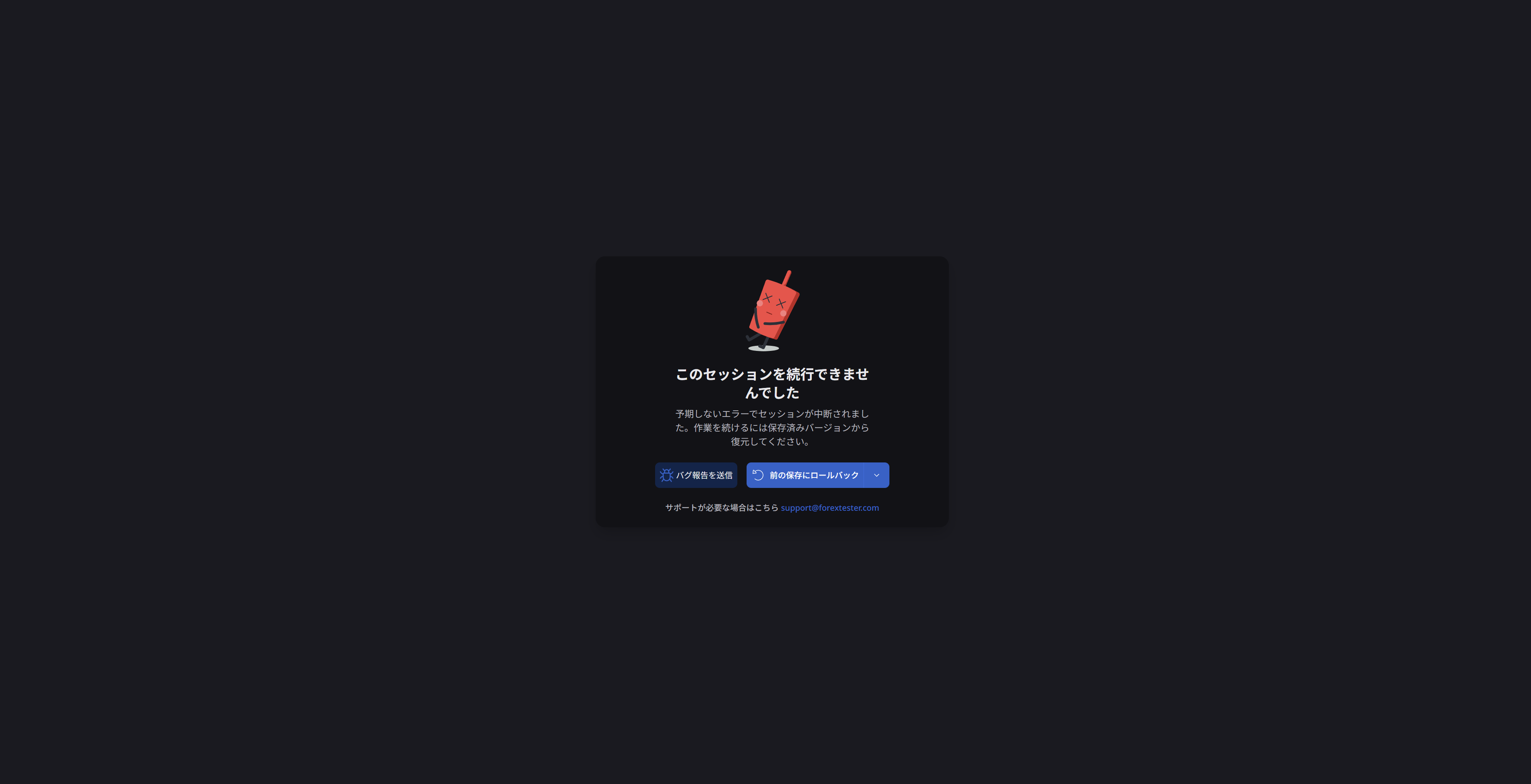
No matter how many times I restart it, it crashes.
I tried clearing the cache, switching from Chrome to Microsoft Edge, and even launching it through the app, but it’s completely unusable.
It crashed five times in five minutes.
I’m only displaying a few MA indicators and three time frames.
Under these conditions, the backtesting software is completely failing to fulfill its intended function.
I’ve reported bugs about four times so far—including issues like being unable to change colors, crashes, misaligned plots, crosshairs that wobble or don’t display at all, and double-clicks not registering—and there are simply far too many bugs.
It’s been a while since I purchased it; I didn’t use it at first but recently started using it—would it be difficult to get a refund? It’s completely unusable as is, and with all due respect, I have to say the quality is “pretty terrible.”
I also purchased the desktop version a few years ago, but for convenience’s sake, I’ve recently started using this version—and I’m having a very hard time with it.
Since the next update will take a long time, and various bugs continue to occur frequently no matter how many times I’ve reported them, could I please request a refund?
If it crashes every few minutes, I don’t think it’s just failing to fulfill its role as testing software—it’s not even a viable product.
Thank you for your consideration.
Comments4
Serhii S.
Oct 9
こんにちは。
Forex Tester Onlineにおける過剰なRAM使用量の問題に対する修正プログラムが開発チームによってリリースされましたのでお知らせいたします。
この修正プログラムは現在、ベータ版プラットフォームでご利用いただけます。
ベータ版をお試しいただき、パフォーマンスやメモリ使用量の改善が見られるかどうかをお知らせいただけますでしょうか?
まだベータ版プラットフォームにアクセスできない場合は、ご連絡ください。アクセス権限を付与させていただきます。
ご協力とご理解に感謝いたします。
—
Hello,
We would like to inform you that our developers have released a fix for the excessive RAM usage issue in Forex Tester Online.
The fix is currently available on our Beta platform.
Could you please try using the Beta version and let us know if you notice any improvements in performance and memory consumption?
If you don't have access to the Beta platform yet, please let us know, and we'll be happy to arrange access for you.
Thank you for your patience and cooperation!
Serhii S.
Sep 30
こんにちは @Bentley 555!
ご不便をおかけしており、本当に申し訳ありません。まず確認したいのですが、プロジェクトは通貨ロットを円で作成されていますか? もしそうであれば、ドルで新しくプロジェクトを作成してお試しください。あわせて、3つのチャートそれぞれに複数のインジケーターがあり、各インジケーターが各時間足で有効になっているようです。不要な時間足は各インジケーターの設定で無効化してください。そうすることで、プログラム側の計算量が減ります。さらに、チャート上に不要になった描画ツールがある場合は、削除をお願いします。
返金については、購入から1年以上経過しているため、申し訳ありませんが対応できません。色が変更できない件については、すでに対応を進めており、まもなく修正予定です。
そのほかの点については、描画のずれと、十字線がぶれる・表示されない件は、問題の様子が分かる動画を送ってください。ダブルクリックで選択できない件については、何をダブルクリックで選択しようとしているのかを具体的に教えてください。ダブルクリック操作は、プログラム内ではほとんど使われていません。
ご理解とご協力に感謝いたします。
—
Hello @Bentley 555!
I'm truly sorry for the inconvenience. First, I'd like to confirm if the project was created with the currency lot size set to Japanese Yen. If so, please try creating a new project with the currency set to US Dollars. Also, it seems that each of the three charts has multiple indicators, and each indicator is enabled for each timeframe. Please disable any unnecessary timeframes in the settings of each indicator. This will reduce the amount of calculation required by the program. Furthermore, please delete any drawing tools on the charts that you no longer need.
Regarding refunds, I'm sorry, but we cannot offer them as more than a year has passed since the purchase. Regarding the issue of not being able to change colors, we are already working on a fix and it will be fixed soon.
For the other issues, regarding the drawing misalignment and the blurry/missing crosshairs, please send a video showing the problem. Regarding the inability to select with a double-click, please specify what you are trying to select with a double-click. Double-clicking is rarely used in the program.
We appreciate your patience.
An Anonymous User
Sep 30
通貨ロット
→今回はドルで発生しています。
3つのチャートそれぞれに複数のインジケーターがあり、各インジケーターが各時間足で有効になっているようです。不要な時間足は各インジケーターの設定で無効化してください。そうすることで、プログラム側の計算量が減ります。さらに、チャート上に不要になった描画ツールがある場合は、削除をお願いします。
→複数のインジケーターと言えども日足三つのMA、4H三つのMA、1Hで五つのMAのみです。
代表的な指標であり、MAを三つのチャートに3,3,5入れたぐらいで動作が遅くなるのではどちらにせよFT6より酷いです。
FT6であれば、一つのチャートに複数時間足のMAを入れると重くなるという現象があったかと思いますが、そうではなくこの場合チャート毎に設定する期間を定めて分けています。
またマルチタイムで表示しているのはチャートは三つであり決して多すぎることもないと思います。
古くなった描画ツールは消すようにしていますが、そこまで大量に書き込んでいるという事もないと思います。主観になりますがパスとTEXT、水平線を引いている程度です。
それで落ちるのであれば描画ツールを使うには難しい環境です。
そのほかの点については、描画のずれと、十字線がぶれる・表示されない件は、問題の様子が分かる動画を送ってください。
→これ以上動画で共有するのはかなり手間と労力を要するため控えさせていただきます。
普通に使用していればわかる事なのでそちらで確認してください。
ダブルクリックで選択できない件については、何をダブルクリックで選択しようとしているのかを具体的に教えてください。ダブルクリック操作は、プログラム内ではほとんど使われていません。
→水平線に始まり全ての描画です。描画の詳細ウィンドウを開こうとダブルクリックしても反応するときとしない時があります。これもそちらで確認してください。
返金に関して不可なのは承知しましたがここまで不具合の多いツールは初めてで驚いています。
Serhii S.
Sep 30
詳しく状況を共有していただき、ありがとうございます。
インジケーターについてですが、こちらの説明が十分でなかったかもしれませんので、1時間足のMAインジケーター設定のスクリーンショットを2枚添付します。MAは1時間足に1つだけ追加されているのではなく、自動的に全時間足へ追加されます。つまり実際には1つではなく、9個のインジケーターが追加されている状態です。右側のスクリーンショットでは、各インジケーターの設定内で不要な時間足を無効化する箇所を示していますので、そちらをご確認ください。
そのほかの問題について動画をお願いしているのは、こちらの環境では再現しないことが多いためです。たとえばダブルクリックについては、私の環境では常に正常に動作し、描画要素の設定が開きます。ただ、いただいた内容をもとに、描画のずれ、十字線のぶれや非表示、ダブルクリックの件も含めて、あらためて再現確認を進めます。いずれにしても、開発チームでは継続的にバグ修正を進めており、次回リリースでは大きな最適化改善も予定しています。ご不便をおかけして申し訳ありませんが、辛抱強くご協力いただいていることに感謝しています。
—
Thank you for sharing the details of the situation.
Regarding the indicators, our explanation may not have been sufficient, so we have attached two screenshots of the MA indicator settings for the 1-hour timeframe. The MA is not added only once to the 1-hour timeframe, but automatically to all timeframes. In other words, there are actually nine indicators added, not just one. The screenshot on the right shows where to disable unnecessary timeframes within each indicator's settings, so please check that.
Regarding the other issues, we requested a video because we often cannot reproduce them in our environment. For example, double-clicking always works correctly in my environment, opening the drawing element settings. However, based on the information you provided, we will re-examine the drawing misalignment, crosshair wobble/disappearance, and double-click issue. In any case, the development team is continuously working on bug fixes, and we plan to include significant optimization improvements in the next release. We apologize for the inconvenience, and we appreciate your patience and cooperation.