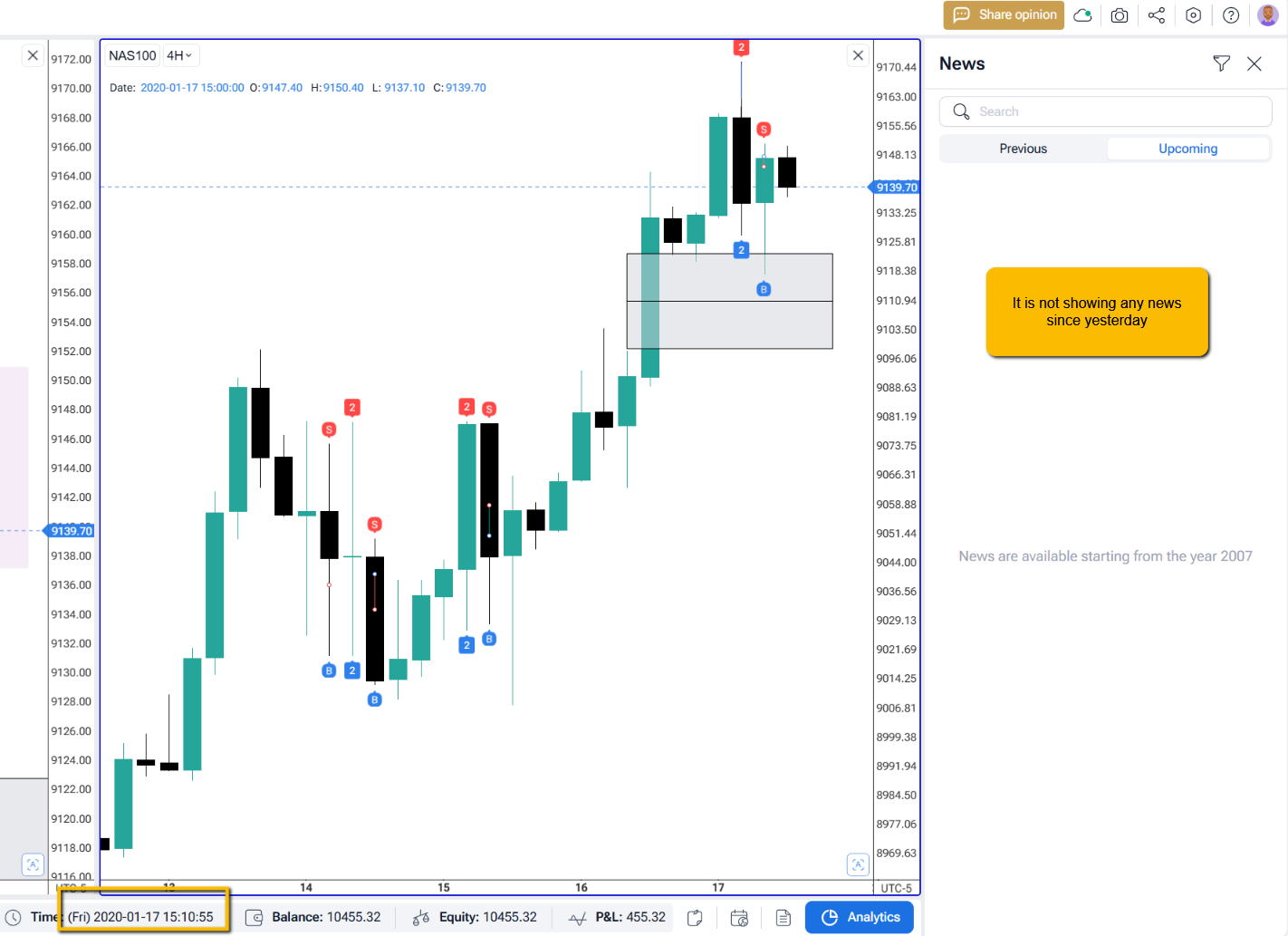
Economic Calander not showing🐞Bug ReportsFeb 9, 2025Since yesterday I The economic Calander tab is empty, please see the attached.How does this impact your experience?High PriorityPosted by Asif Rafiq · Feb 9, 2025Status: Completed8 comments1
Comments8
Serhii S.
Feb 10, 2025
Hi @User! Thank you for the bug report. Please clear the cache and data on the Forex Tester Online page. Here’s how to do it in Chrome:
1) Open the FTO website in Chrome.
2) Click the lock icon in the address bar (to the left of the URL).
3) Select Site settings from the dropdown menu.
4) Scroll down and click Clear data (or Usage field - Delete data button).
5) Reload the page.
Does it help?
Asif Rafiq
Feb 10, 2025
I tried this on tbith chrome and edge but doesn’t Help
Serhii S.
Feb 10, 2025
Could you please provide a project link? Please refrain from using it while we investigate the issue. Thank you for your patience.
Asif Rafiq
Feb 10, 2025
Forex Tester Online
Asif Rafiq
Feb 10, 2025
did you get it and any update?
Serhii S.
Feb 12, 2025
Hi @User! Thank you for the project link. I’ve forwarded it to our developers for investigation. While we work on your first project, please try creating a new one.