Charts cannot be loaded
I keep running into this problem when i want to jump to London session open, this is on multiple currencies, a new project with no indicators
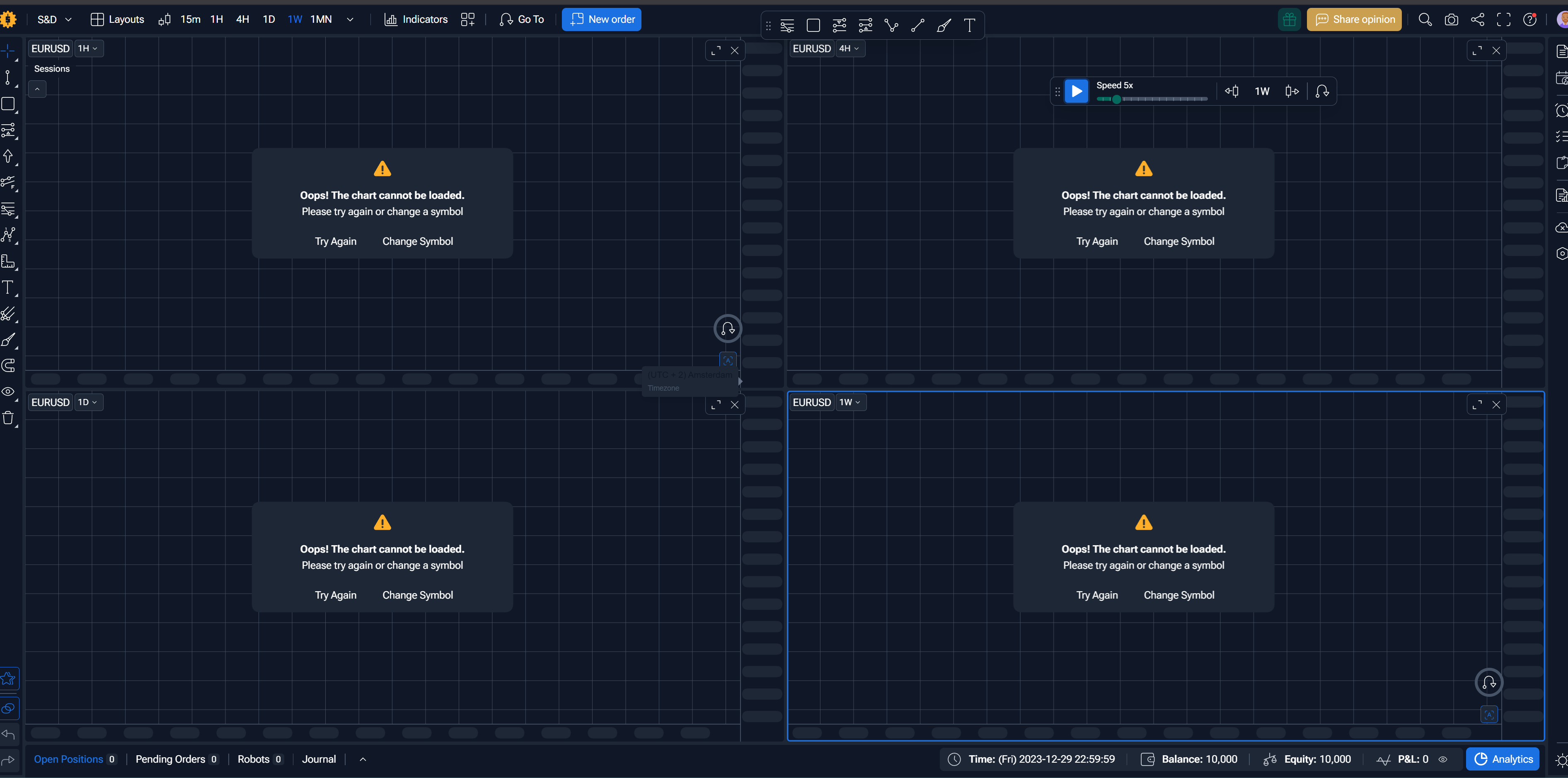
https://app.forextester.com/chart?projectId=69f455242c18910d93be0be2
Please advise…
Comments11
Dave Zegers
May 1
Sorry for posting it in the wrong section 😣
Serhii S.
May 1
Hello @Dave Zegers ,
Thank you for reporting this issue, and no worries about posting it in the wrong section.
I have forwarded your project to our developers for investigation. They will analyze the problem with chart loading, especially when jumping to the London session open.
As soon as we have any updates or findings, I will let you know.
Thank you for your patience.
Serhii S.
May 1
Hello @Dave Zegers Thanks for waiting.
You already have a registered account for the FTO beta version: https://beta.forextester.com/
We’ve moved your project to the beta version, as it already includes the fixes needed for your project. You can open it here:
https://beta.forextester.com/chart?projectId=69f4b59ad656035d2d96c569
Thank you.
Dave Zegers
May 2
That works, thank you very much
Dave
Dave Zegers
May 2
I would like to point out a bug( or i do something wrong?)
The supply zone on the 4H isn’t shown on the 1H
Have a nice weekend
Serhii S.
May 4
Hello @Dave Zegers Thank you for reporting this.
Please activate the Sync tools between charts option - this should help with the supply zone showing correctly between the 4H and 1H charts.
If you try that and the issue still remains, feel free to let me know.
Diana Zhoshko
May 4
Hi @Dave Zegers ,
As I understood, it happens within the same project?
https://beta.forextester.com/chart?projectId=69f4b59ad656035d2d96c569
I already informed the developers. As soon as I get the update, I will get back to you
Have a nice day
Michael
May 1
I had the same error when I pressed undo Ctrl Z bec I accidentally moved a tool (fib)
Serhii S.
May 4
Hi @Michael Thank you for reporting this.
Please open the browser Console tab and take a screenshot of the errors shown there. You can open it with Ctrl+Shift+J or F12.
Also, please share the project URL with us.
Once you send the screenshot and the project URL, we can look into it further.
Thank you.
Dave Zegers
May 4
Yes, i removed it and started a new project, and the problem went away. Apologies for not updating the ticket 😳
Diana Zhoshko
May 4
That's okay, Dave 😉 Do you mean the issue with the supply zone gone?