Chart syncing issue...
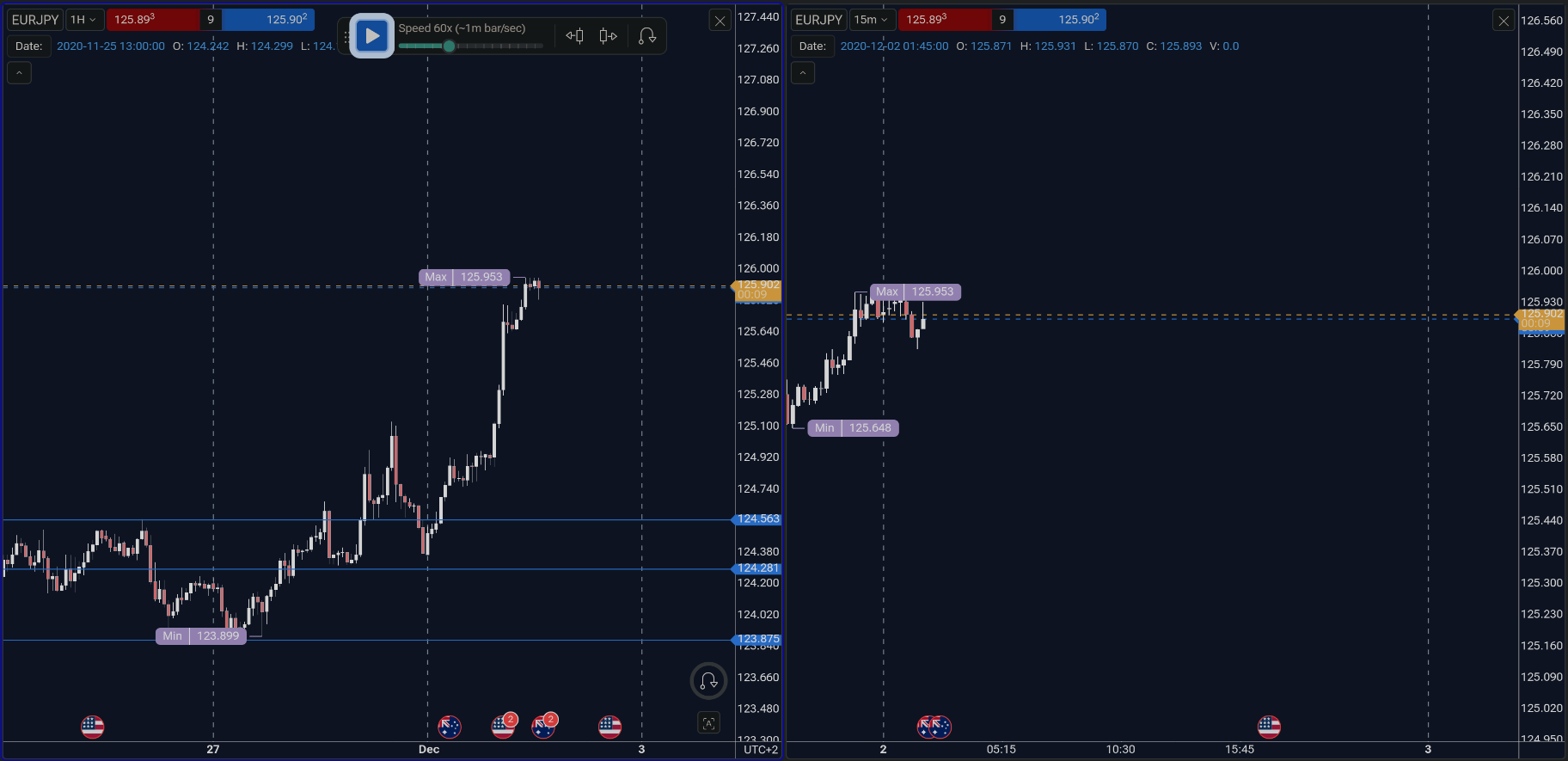
When I have two charts side by side as depicted in the screenshot... is there a way to disable shared movement? I want to be able to freely move them around without having movement on both charts...?
Please this is very important to my testing that I am able to independently work on all my charts without having changes in position in all my charts if that makes sense?
The only way I have been able to achieve this is by running two separate instances of the same project on two separate open tabs in my browser… but then I don´t get play/price and trades syncing unless I can very quickly activate data play on both tab simultaneously… this could be solved by allowing for universal price play across all open instances and shared trade execution and order placement on all open instances of the same project.
Can this be done?
- How does this impact your experience?
Comments7
Oct 9, 2025
PinnedHello @User! Thanks for reaching out.
You can achieve this by deactivating the "Data range" sync option in the Layouts settings. That should allow you to move each chart independently.
Let me know if that helps.
Bernard Boshoff
Oct 9, 2025
Perfect! Thank you!
Serhii S.
Oct 9, 2025
You're very welcome! Glad I could help.
Bernard Boshoff
Oct 9, 2025
Is there a way for me to get all drawings synced between open charts?
Serhii S.
Oct 9, 2025
Please make sure that the Sync tools between charts option is enabled. Thank you.
Bernard Boshoff
Oct 9, 2025
Thank you again!
Serhii S.
Oct 11, 2025
You’re welcome! Happy to assist!