Cannot open a project that has reached the latest history
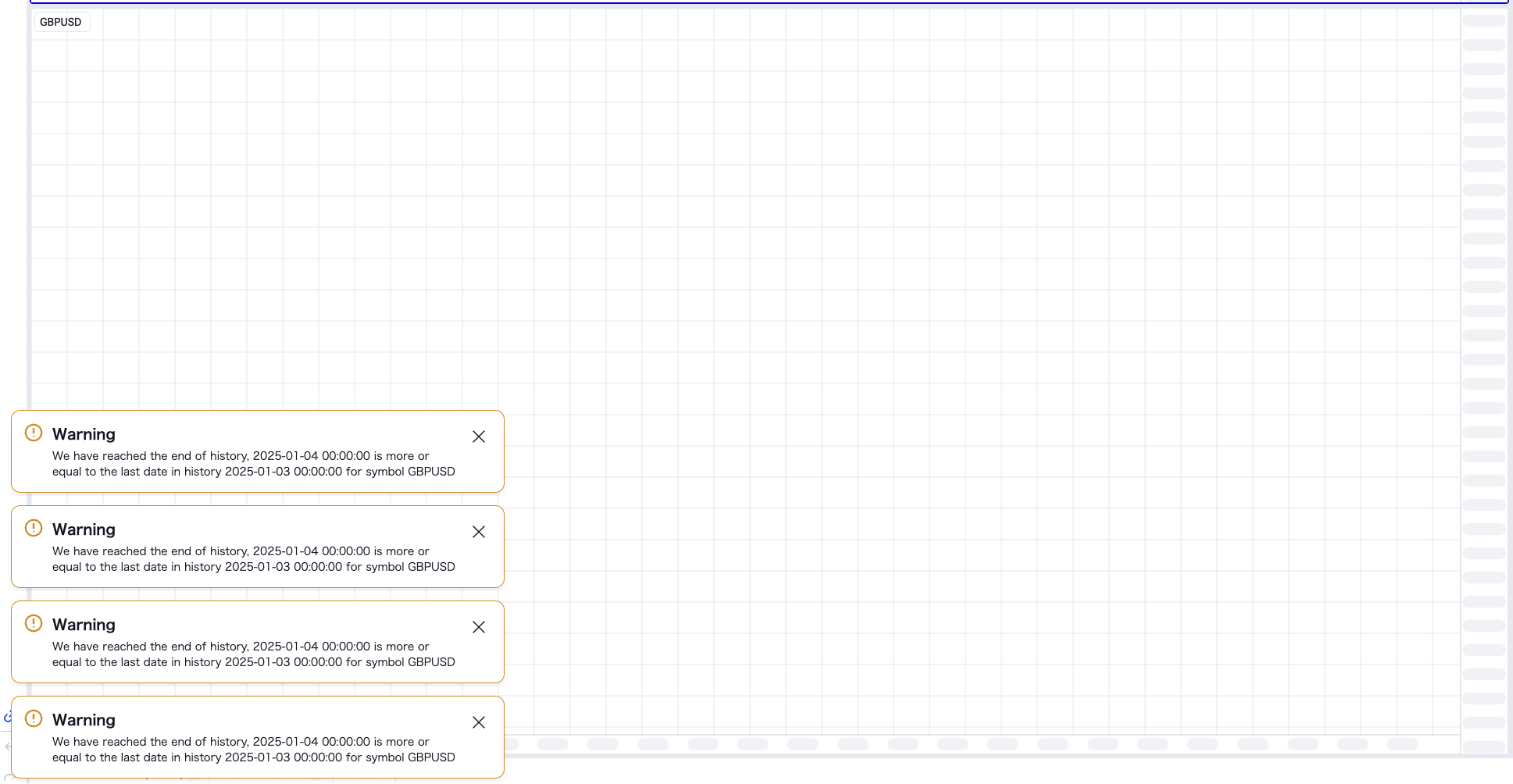
When trying to open a project that has reached the latest history, the following message is displayed and it cannot be opened
We have reached the end of history, 2025-01-04 00:00:00 is more or equal to the last date in history 2025-01-03 00:00:00 for symbol GBPUSD
Comments1
Serhii S.
Jan 4, 2025
Hi @User! Please clear cache and data. Here’s how to do it in Chrome:
1) Open the FTO website in Chrome.
2) Click the lock icon in the address bar (to the left of the URL).
3) Select Site settings from the dropdown menu.
4) Scroll down and click Clear data.
5) Reload the page.
Does it help?