Better measuring tool
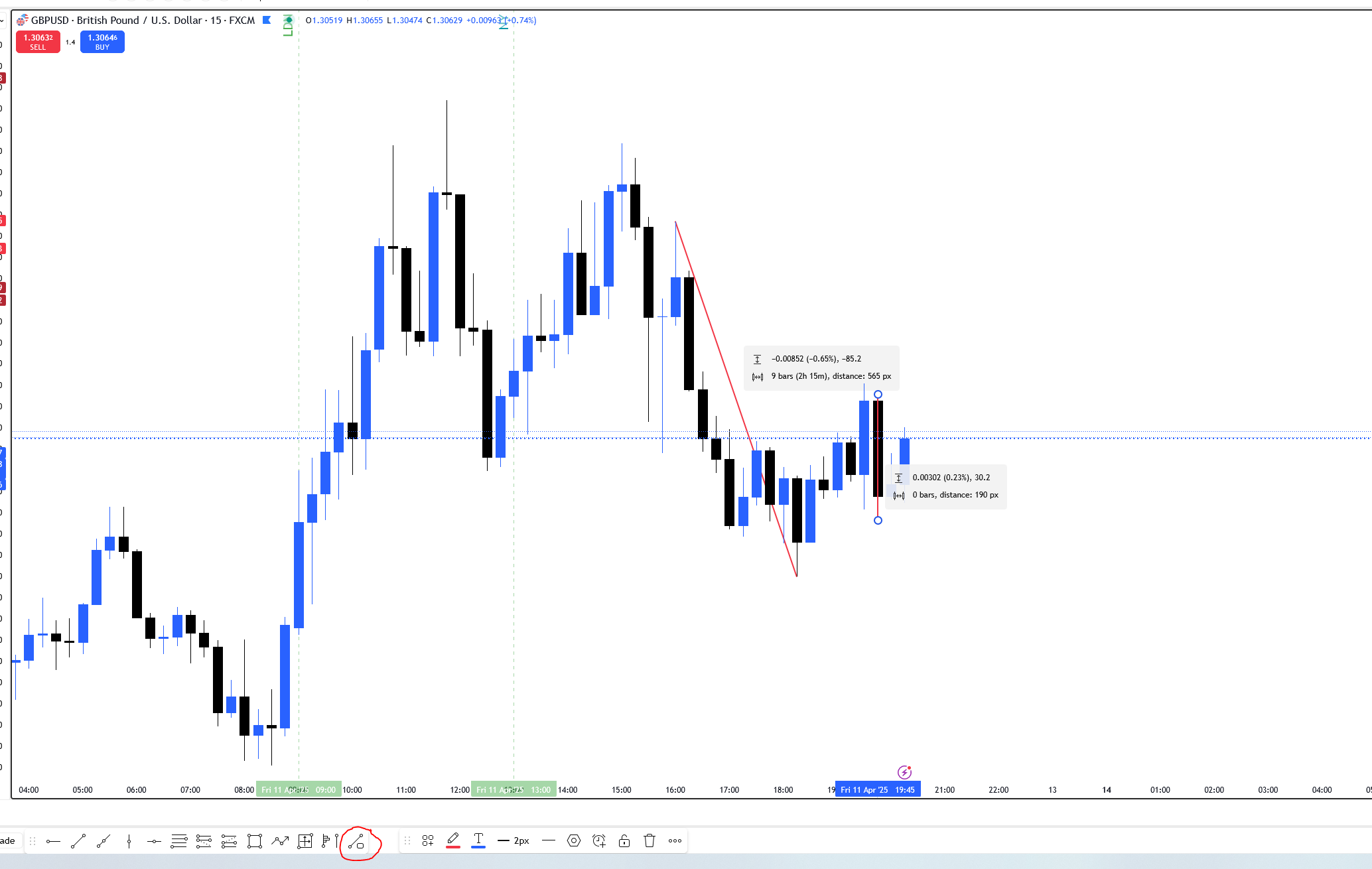
Please add this tool, in TW it is called “Info Line” and it is really perfect measuring tool which can be nicely magneted to any OHLC of candle and shows all needed inrotmations. I know you already has one measuring tool but it is really bad one and when I want to show info about only one candle like on screen I can not because I must “create recangle”.
Comments5
Serhii S.
Apr 13, 2025
Hi @User Thank you for the suggestion. Please activate Crosshair mode. Then, you can measure by clicking and holding the left mouse button (see the screenhot below).
Dominik Pazderka
Apr 14, 2025
Hello, thank you for respond but this does not work for me, when I hold left mouse button I am moving with chart. But still tool I described would be really helpful.
Serhii S.
Apr 14, 2025
Hi @User Thanks for your message! I figured out what the problem might be. Before measuring, press the mouse wheel, then hold down the left mouse button and move the cursor. This should help.
Dominik Pazderka
Apr 15, 2025
Thank you Sehrii, now it works, but holding those two buttons is not very comfortable and when I leave buttons, measuring tool will disapear so it is better than nothing but in my oppinion, that tool I suggested is still better than this :)
Serhii S.
Apr 15, 2025
Thanks for the feedback, @User ! To make it more comfortable, just press and release the mouse wheel, then hold down only the left mouse button to measure. I appreciate your suggestion for the tool, and I'll definitely pass it on to our developers.