28th FTO Release (24.02.2026)
New Features, Indicators & Performance Improvements
This update brings new tools for trade management, new metric in analytics, additional indicators, and a range of fixes to make your experience smoother and more stable. Here’s what’s new:
🔧 New Features & Improvements
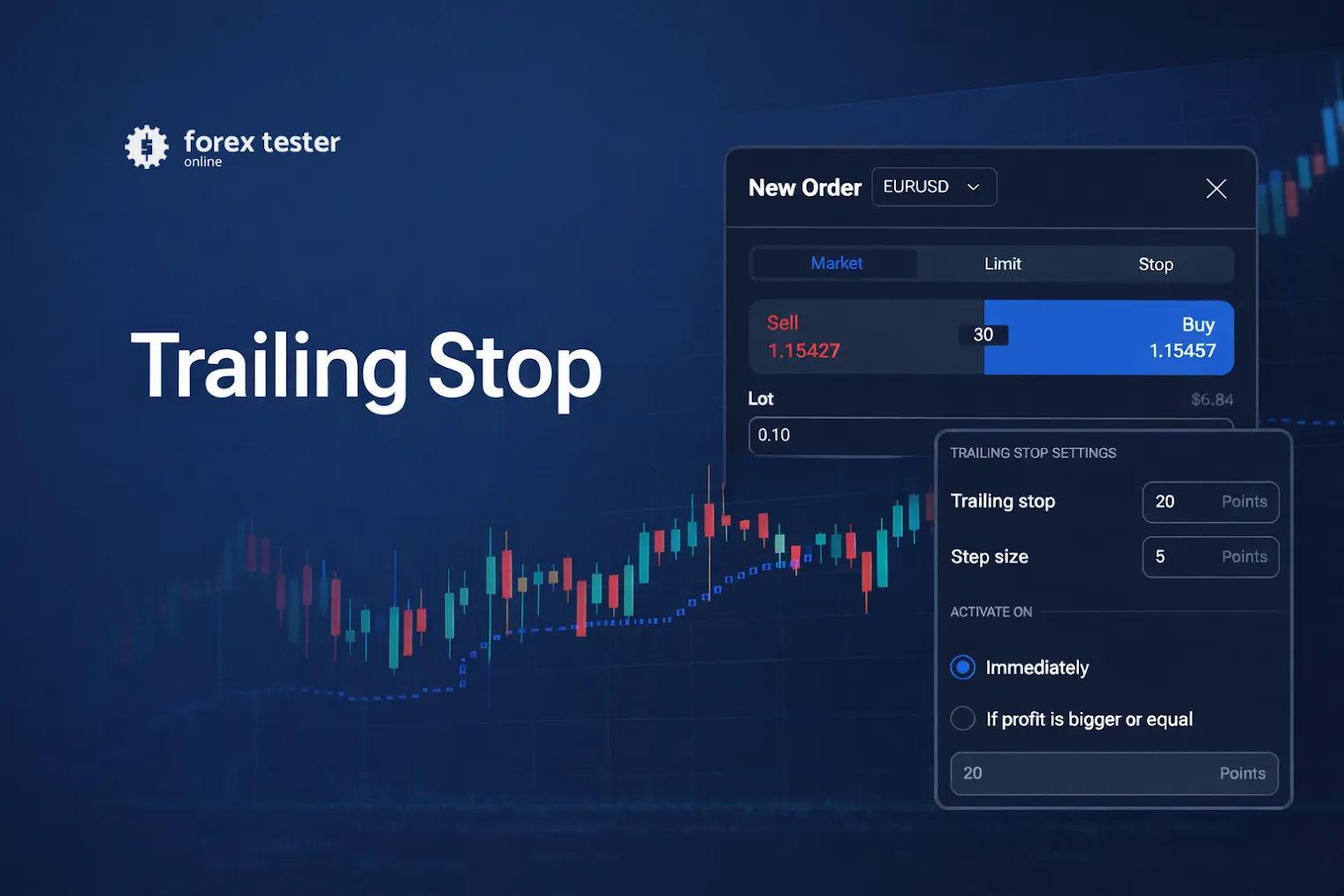
🔁 Trailing Stop on Order Open
You can now enable Trailing Stop directly in the order opening window for faster and more flexible risk management.
🖥️ One-chart Maximizing/Minimizing (using Alt+Click or Alt+Enter combination)
Added a button to expand one chart to fullscreen and quickly return to the previous layout in multicharting. Just use Alt+click or Alt+Enter on the active chart.
📊 Average Trade Metric
A new Average Trade parameter has been added to Analytics to help you evaluate your typical trade performance.
📦 Enhanced Volume Profile Levels
The VRVP indicator and Fixed Range Volume Profile tool now support POC, VAH, and VAL levels.
🌊 Elliott Waves: Starting Point “0”
The Elliott Waves drawing tool now includes a labeled starting point 0.
⭐ Favorite Timeframes per Account
Your favorite timeframes are now saved at the account level and synced across sessions.
✅ Create Checklist from Journal
You can now create a checklist directly from the Trading Journal dropdown.
📉 New Indicators Added
Bollinger Bands %B
Gann HiLo
Perfect Commodity Channel Index (PCCI)
Range Expansion Index (REI)
🛠️ Bug Fixes & Stability Improvements
📈 Profit Chart UI fixes
The Profit Chart has been visually fixed to improve clarity and make performance analysis easier.
⏱️ Timeframes in Drawing Tools
Resolved an issue where custom timeframes were added as unchecked by default.
🏷️ Order Tags UI Fixes
Fixed several visual issues related to order tags.
Persistent Settings Windows Bug
Settings windows for Notes and Indicators no longer remain open when switching projects.
🔄 Bar Back Testing Logic
Fixed incorrect Bar Back behavior when data was unavailable for one of the symbols.
📉 KAMA Indicator
Resolved display issues when scrolling the chart to the right.
🔍 Chart Zoom & Scroll Improvements
The last bar no longer moves out of view when zooming out
Reduced chart jitter in multi-chart mode
Improved scroll responsiveness during zoom changes
🔢 Input Fields Behavior
Fixed an issue where the last digit couldn’t be deleted and improved arrow controls in numeric inputs.
📡 Ray Tools Visibility Fix
Improved stability for Ray-based tools (Ray, Andrew’s Pitchfork, Fibo Fan) to ensure rays display correctly.
Thanks for backtesting with us — more improvements are on the way!