32 FTO Release
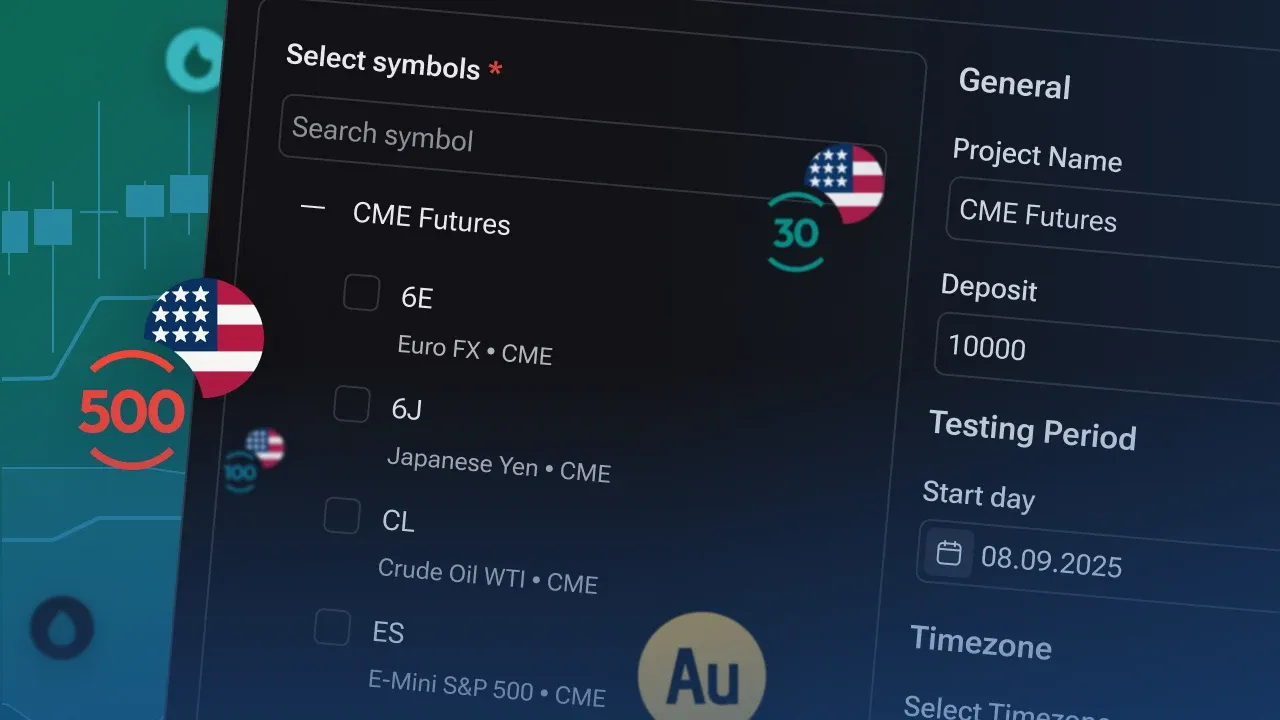
This update introduces powerful new analysis tools, expands futures trading and backtesting capabilities, adds Custom Timeframes, and delivers multiple usability and stability improvements across the platform.
📈 CME Futures and Backtesting Logic
Added support for official CME data for backtesting using Continuous Contracts.
Charts can now switch between Original Prices and Back-Adjusted Prices.
Added proper tick-based calculations and measurements for futures instruments.
Trade results and PnL values now automatically use the correct units depending on the instrument type.
Added contract rollover markers directly on futures charts.
Added quick switching between Back-Adjusted and Original Prices with optional chart synchronization.
Futures order prices now always respect the instrument’s minimum tick size.
🔢 Partial Close Improvements for Futures
Fractional lot values are no longer allowed in the Partial Close dialog for futures instruments.
🏷️ Updated Futures Instrument Descriptions
Updated naming and descriptions for CME Futures and CFD Futures instruments to improve navigation and symbol discovery.
📂 Improved Symbol Tree
Added automatic section collapsing.
CME Futures and CFD Futures are now grouped separately for easier navigation.
📈 New Indicators & Analytics
👣 Footprint Indicator
Added the new Footprint indicator for detailed volume and order-flow analysis within individual candles.
⏱️ Custom Timeframes
🆕 Custom Timeframes Support
Added support for Custom Timeframes.
You can now create and use custom chart intervals starting from H2 and above, providing greater flexibility for market analysis and strategy testing.
🎨 User Experience Improvements
💾 Floating Panel Position Persistence
Floating panel positions are now automatically saved to local storage and restored when reopening the platform.
🐞 Bug Fixes
📉 Market Data & Charts
Fixed a historical data discrepancy affecting EURUSD H4 and higher timeframes from November 1, 2020, ensuring better alignment with TradingView data.
Fixed an issue where outdated queued ticks could be processed after using chart seek/navigation functions.
📋 Chart Templates
Fixed an issue where a chart template could stop working after being assigned as the default template and later replaced by another default template.
Fixed opacity settings not being applied correctly from templates via the context menu or tool panel.
🔧 Drawing Tools
Fixed an issue where the hidden state of the Jump To button on horizontal lines was not preserved between timeframe changes or project restoration.
⚡ Stability & Performance
Improved futures trading workflows and partial-close behavior.
Improved chart template reliability and consistency.
Enhanced persistence of user interface settings across sessions.